
Skor
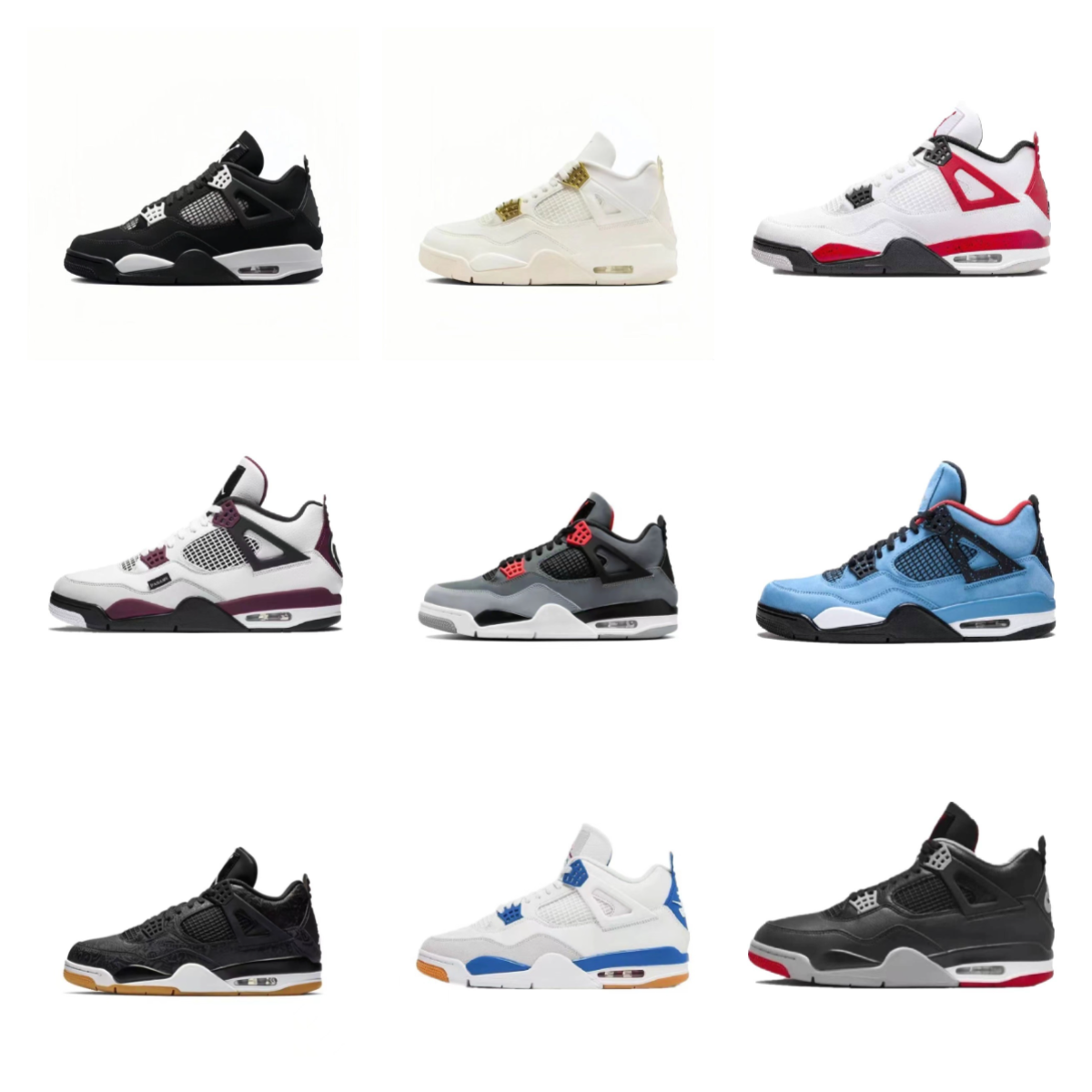
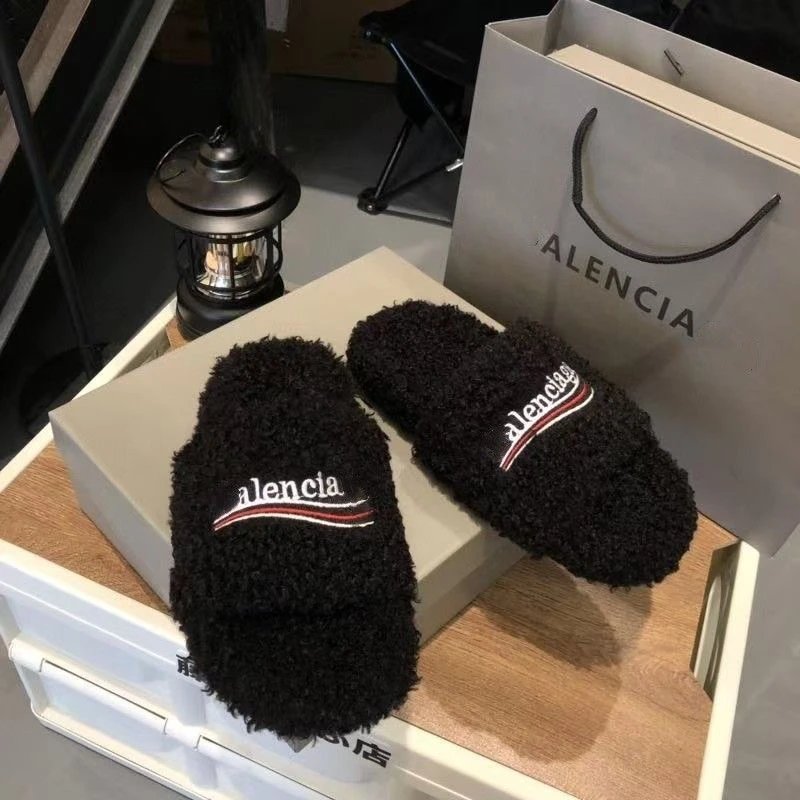
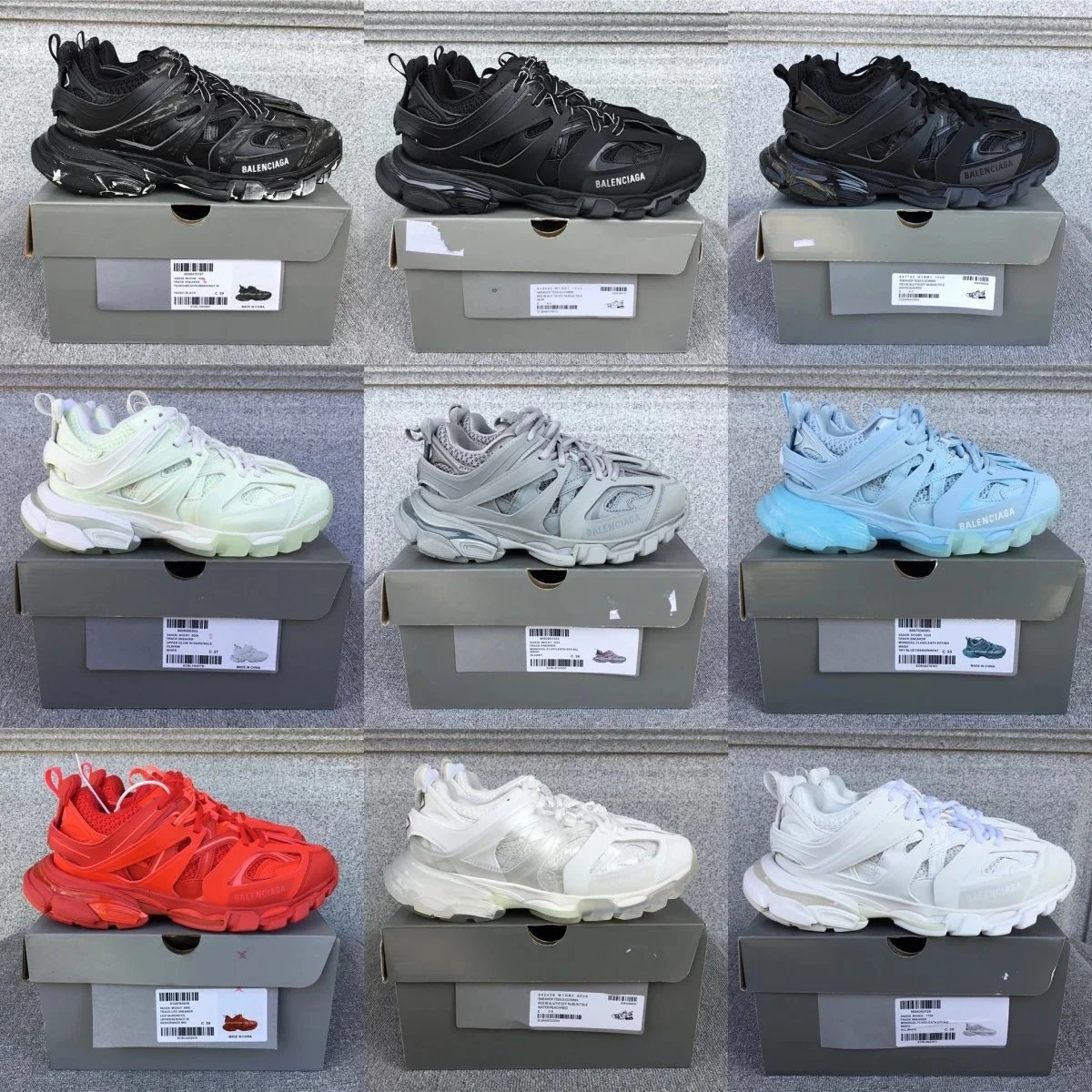
Explore sneakers, casual shoes and other footwear. Compare the listing photos and available QC before choosing a pair on Oopbuy.
Browse finds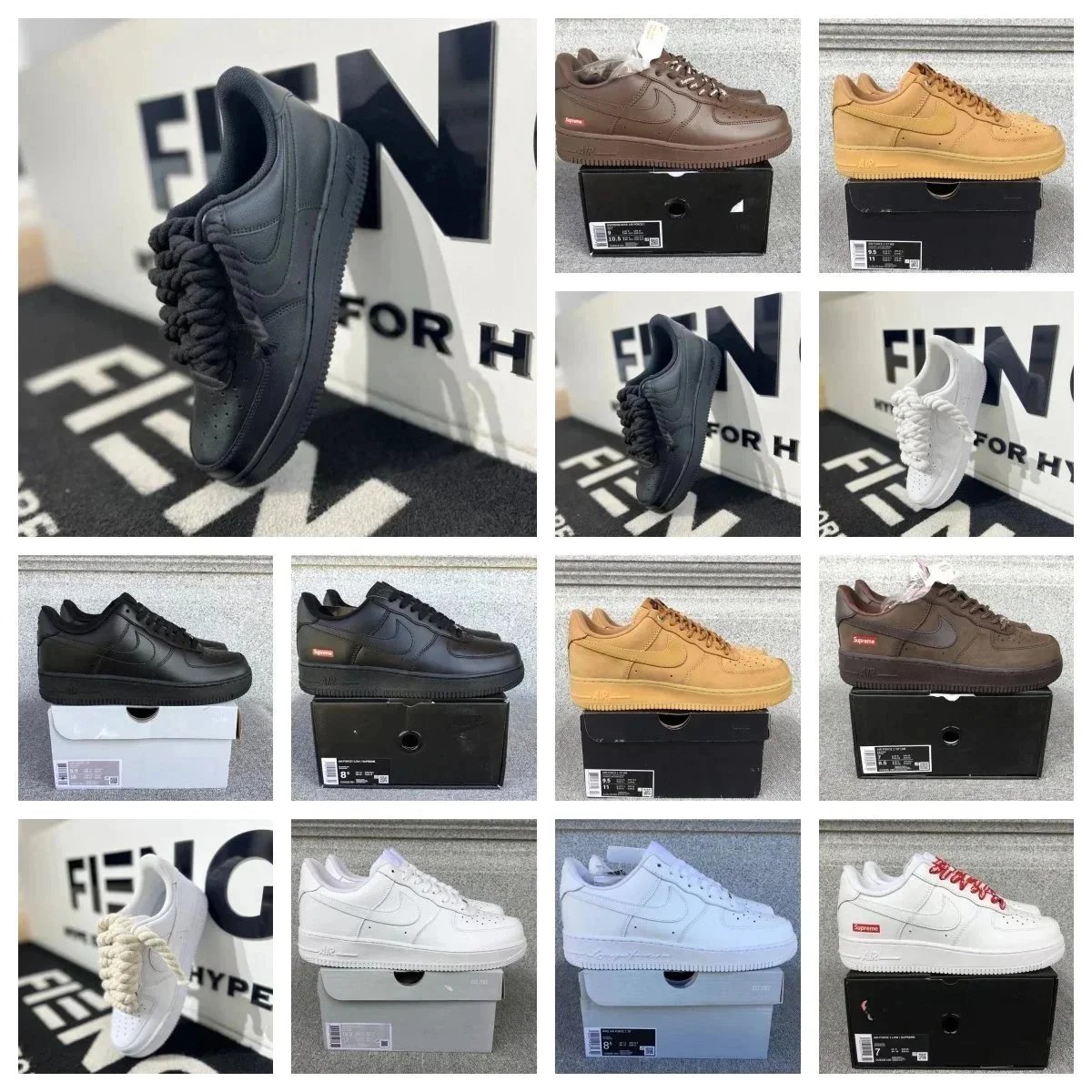
Överdelar
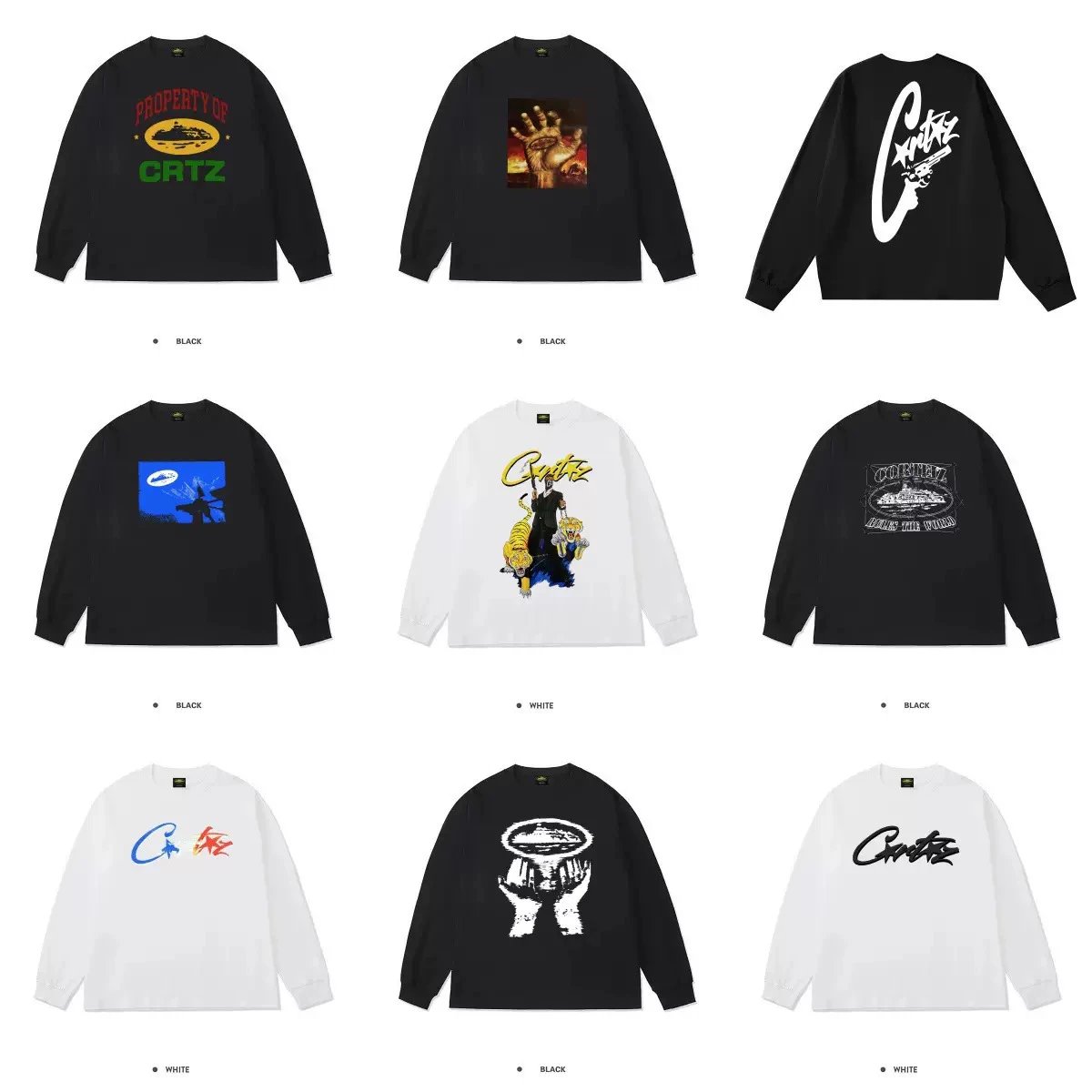
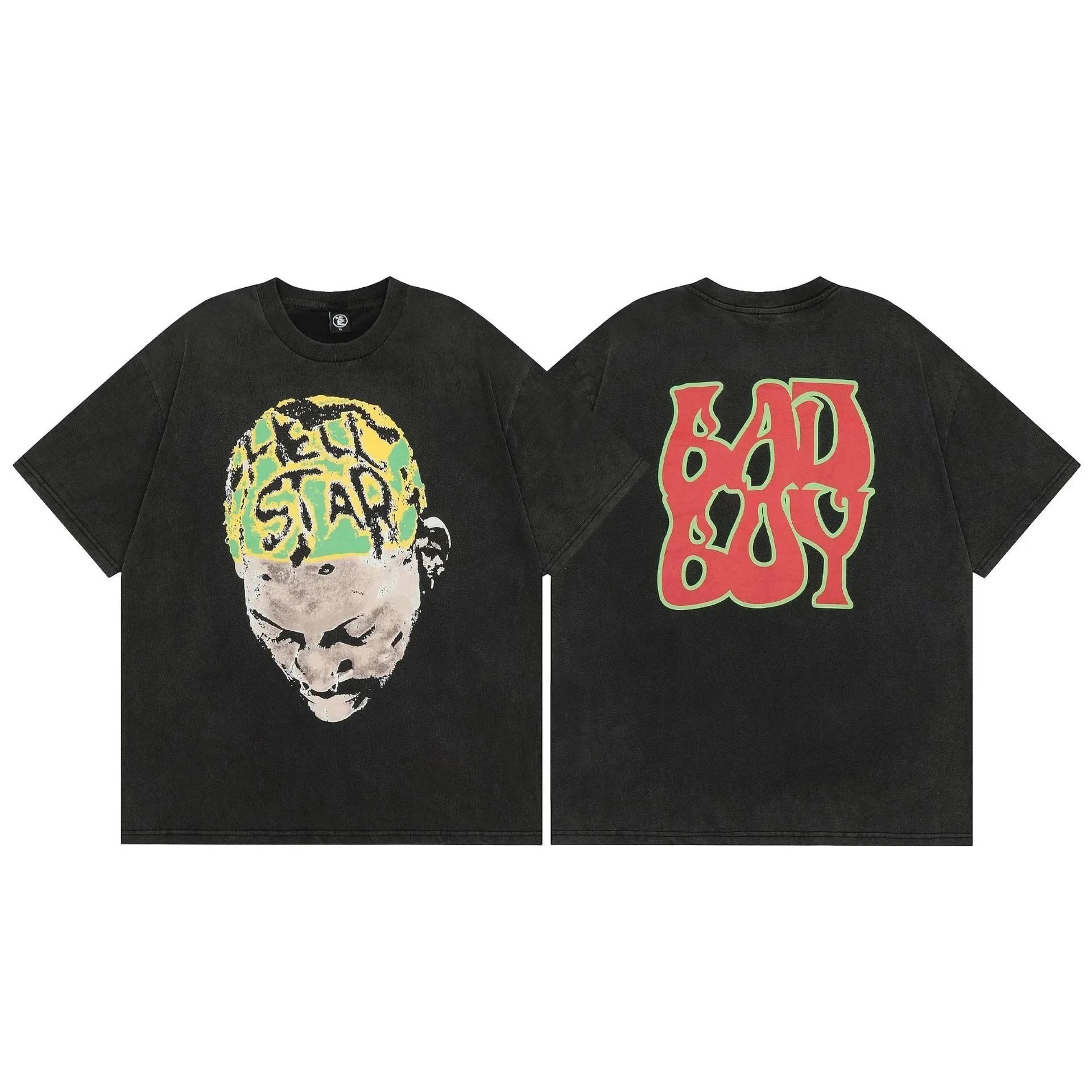
Find tees, shirts, knitwear and hoodies in one place. Open a listing to see the available designs and close-up photos.
Browse finds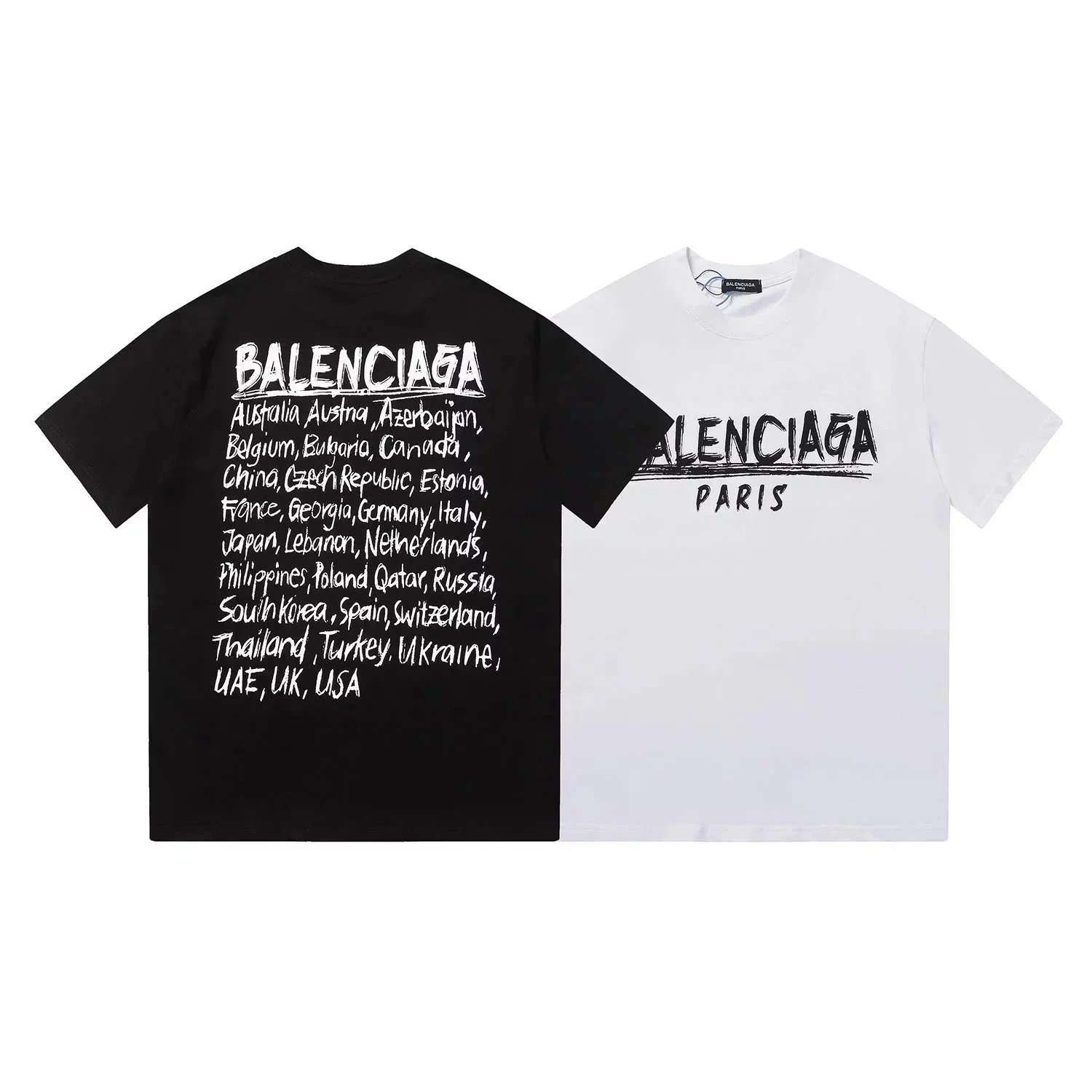
Accessoarer
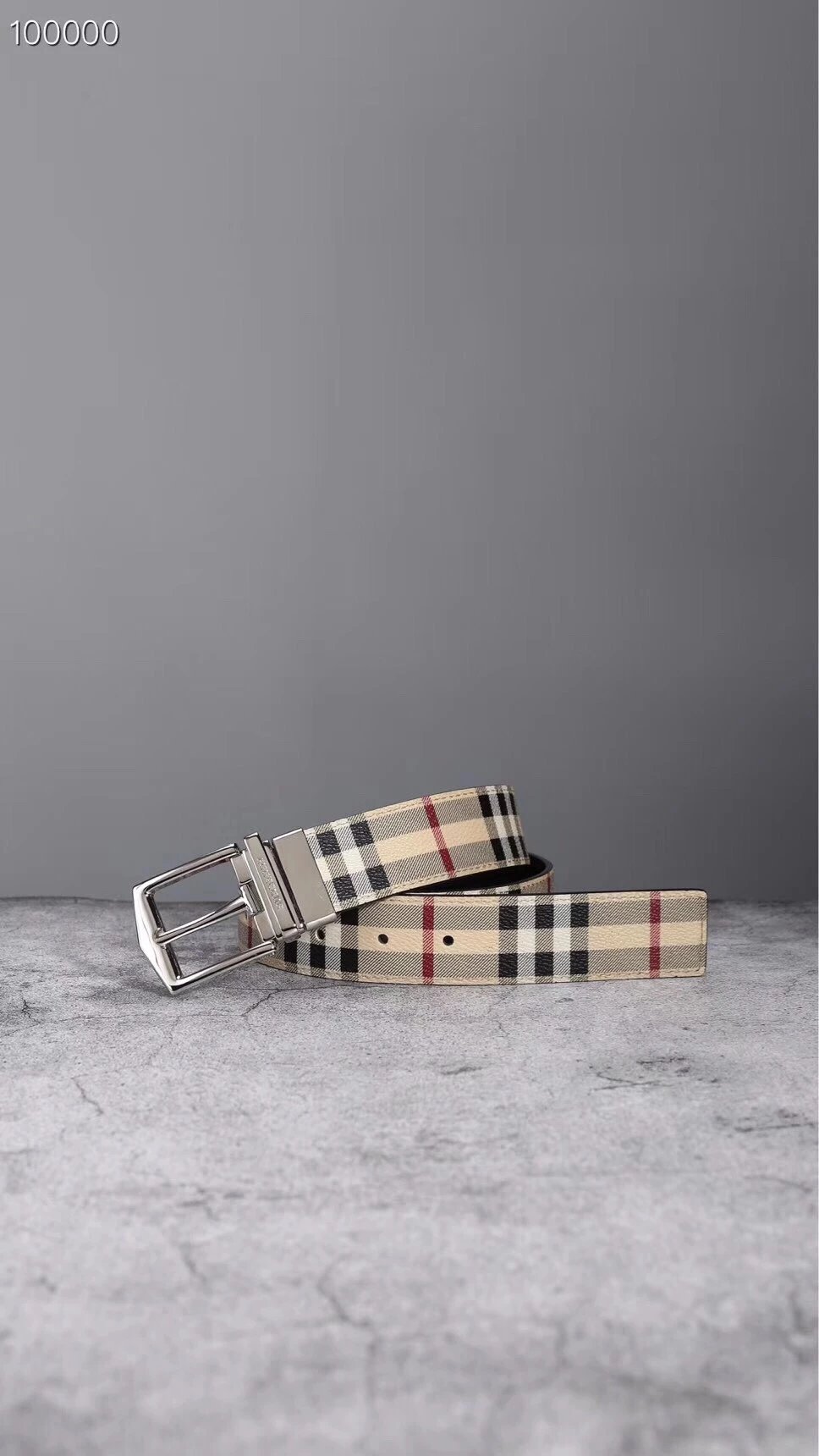
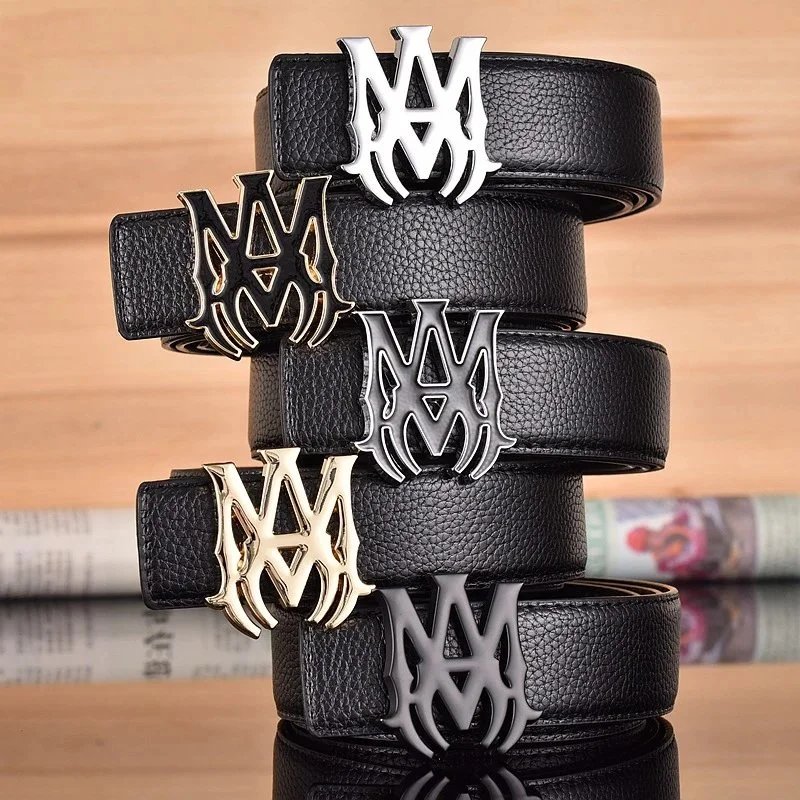
Explore bags, belts, hats, jewellery and other accessories. Close-up QC can help you compare visible details.
Browse finds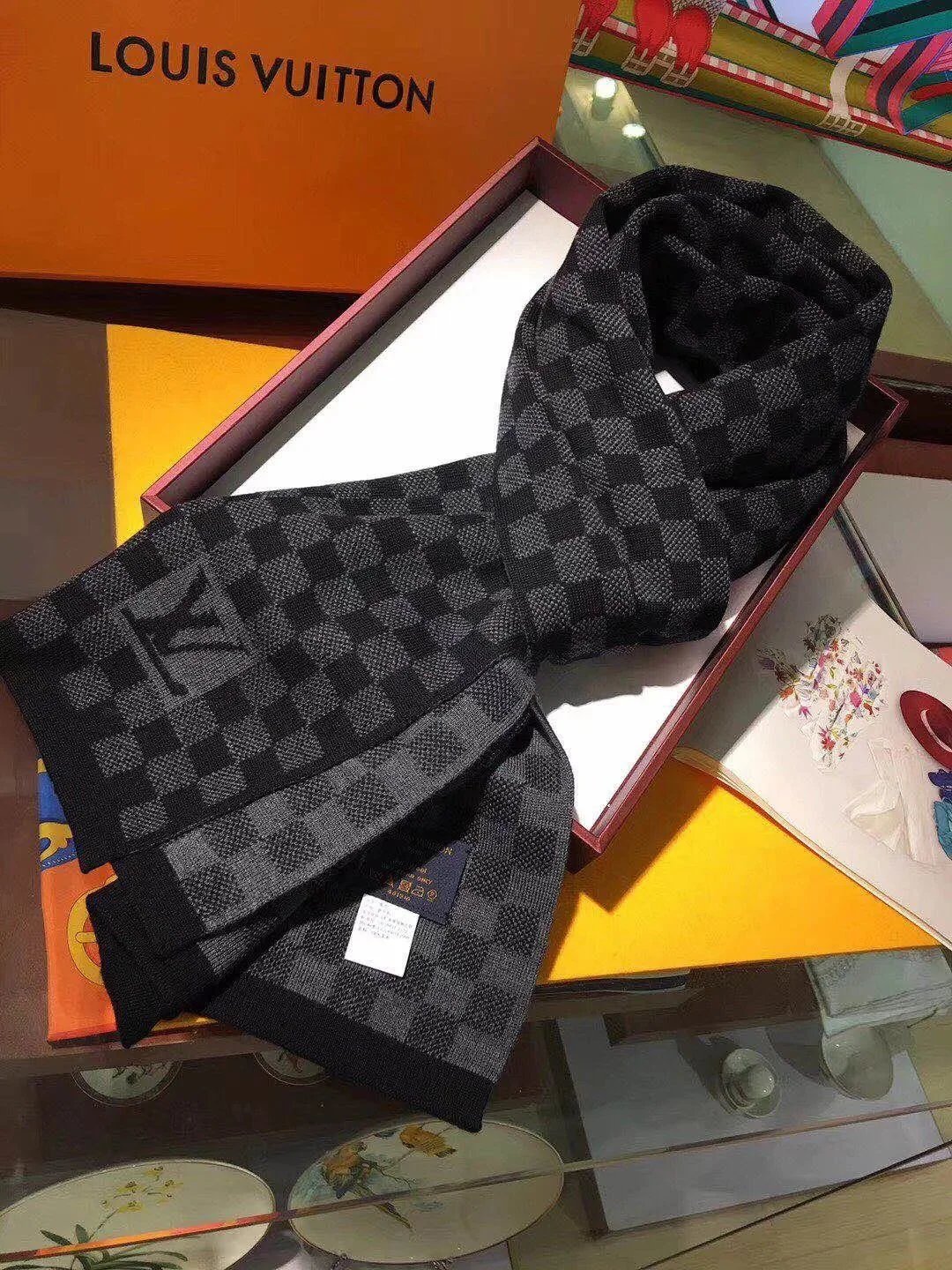
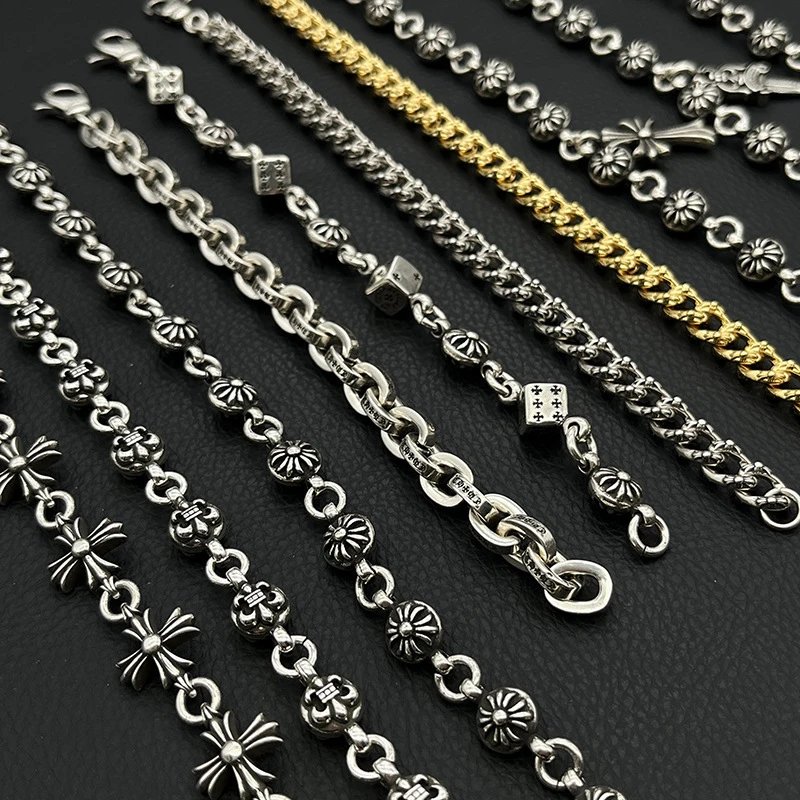
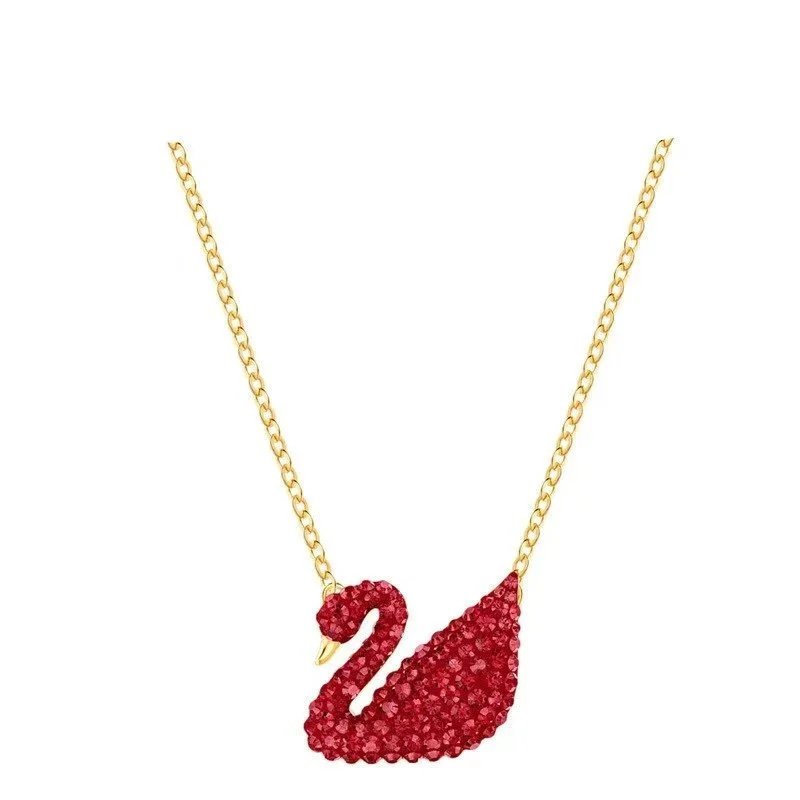
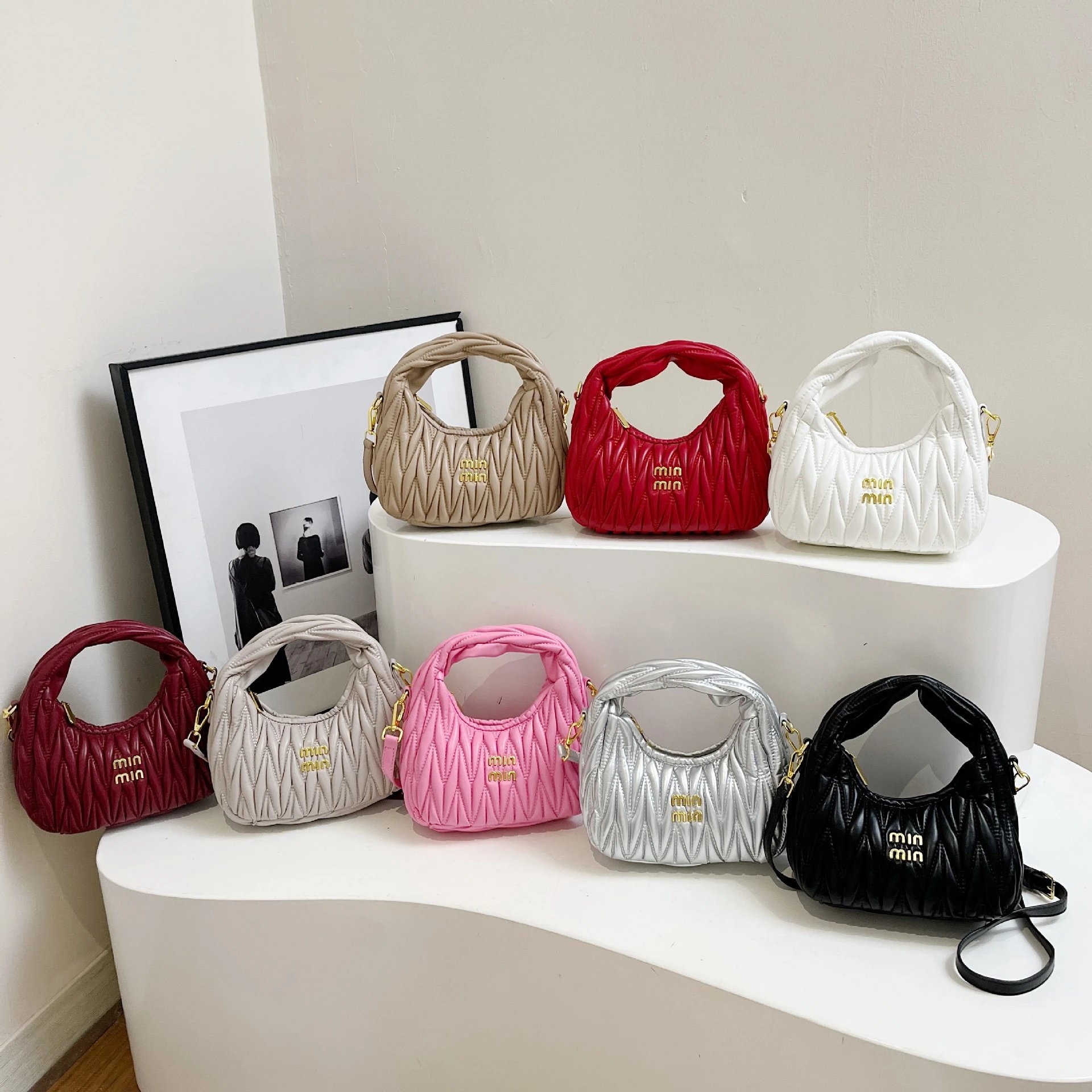
More than shoes and clothing
Underdelar
Browse trousers, jeans and shorts. Check the exact seller listing for measurements and the options you want.
Ytterkläder
Look through jackets and coats, with product photographs and available QC to compare construction and details.
Set
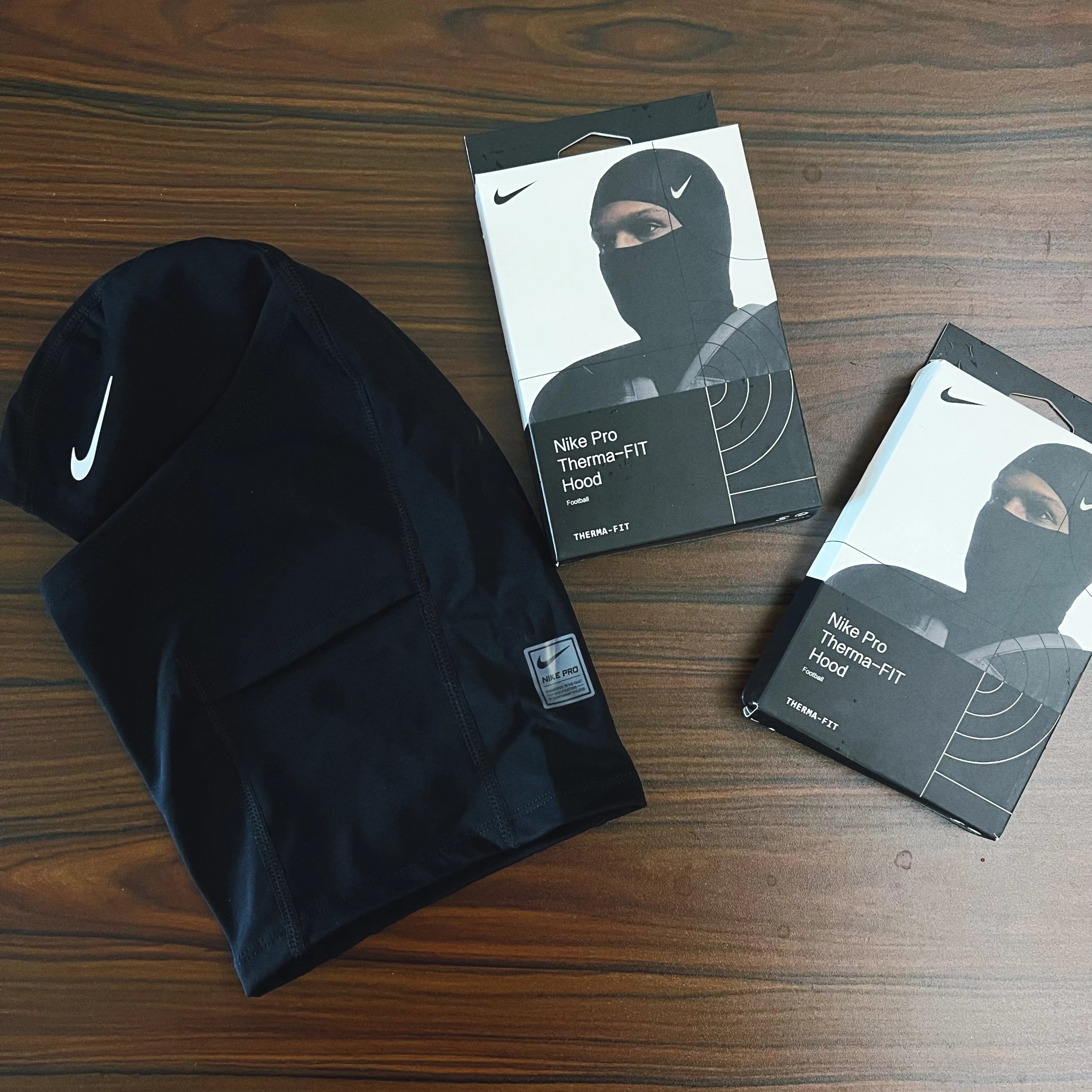
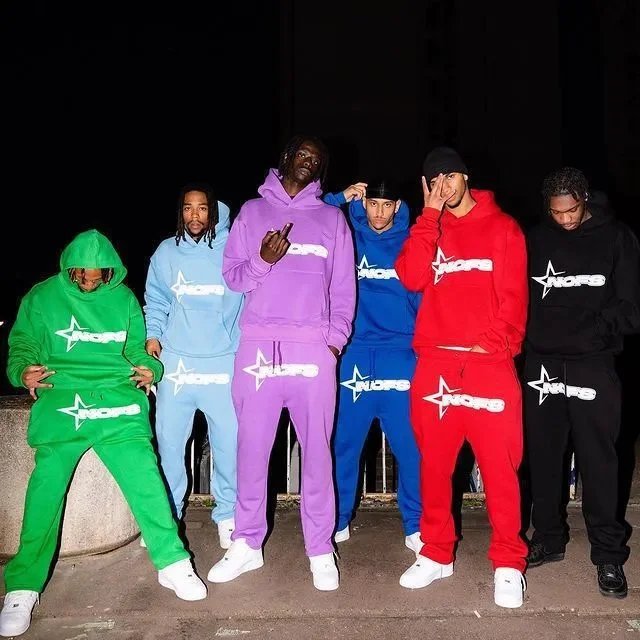
Discover coordinated sets and sportswear. Check the linked listing for which pieces are included.
Underkläder
Browse underwear and socks. Review the listing for pack contents, materials and available sizing.
Elektronik
Browse electronics and small devices. Confirm the specifications and compatibility on the purchase page.
Övrigt
Explore the rest of the collection. Product pages keep each source listing and its available reference photos together.
Questions about Oopbuy finds
Find it. Compare it. Take a closer look.
Finding products
What is an Oopbuy spreadsheet?
A browsable collection of product links for people shopping through Oopbuy. Oopbuy Lists puts photos, reference prices and category browsing alongside those links.
Which categories can I browse?
The directory includes shoes, tops, bottoms, outerwear, sets, underwear, accessories, electronics and other finds. Its subcategories open more specific product lists.
Why do similar products have different pages?
Similar photos can appear in different seller listings. Compare the exact product ID, photos and available QC rather than assuming two listings are identical.
Can I find an item from a photo?
Upload, drop or paste an image on Image search. Results are visually similar listings, so check the details before treating a result as the same item.
Photos and styles
Are these QC photos from my order?
No. They are existing reference photos associated with the listing. They can help you inspect visible details but do not guarantee what a new order will contain.
Does every product have QC photos?
Only photos available for that listing are shown. An empty QC section means there are no photos to display here, not that the item passed or failed inspection.
Do style thumbnails select my order?
They preview available product images. Choose the actual size, style and quantity on Oopbuy before completing an order.
Prices and ordering
Is Oopbuy Lists the official Oopbuy website?
No. This is an independent discovery site. Account registration and purchases take place on oopbuy.com. Our links include an invitation code and may earn us a commission.
How do Oopbuy product links work?
For supported Weidian listings, the link passes the original product ID and the Weidian channel to Oopbuy. Review the product, options and current availability on Oopbuy before ordering.
Why can the price change on Oopbuy?
The displayed amount is a reference from the source listing. Sellers can change prices and options can cost different amounts. Confirm the current amount on the purchase page.
Can I change the currency?
Prices start in USD. Use the currency menu to compare in another available currency; changing the display does not change the seller listing.
What if the purchase page is unavailable?
Check the original seller link and try again later. A seller or Oopbuy may remove or restrict a listing; appearing in this collection is not a promise that it can be purchased.